
Is Your Home Ready for AI? 10 Reasons Your Wi-Fi Isn’t Keeping Up with New Apps
It is 2026, and the "Smart Home" has evolved. We aren't just talking about turning off lights with your voice anymore. Today, AI-driven applications are integrated into almost every part of our lives: from security cameras that recognize your cat’s mood to refrigerators that manage your nutrition via local edge computing.
However, many UK homeowners are discovering a frustrating reality: their high-speed fibre connection is lightning-fast at the front door, but their internal network is a disaster. If your AI assistant is lagging or your smart home keeps dropping connections, it’s likely not your ISP’s fault. It’s your infrastructure.
At North Star Telecoms, we specialise in building the backbone that these modern technologies require. Here are 10 reasons why your current Wi-Fi isn't keeping up with the AI revolution.
1. The Upload Speed Bottleneck
Most UK internet packages are designed for consumption. They offer 500Mbps or 1Gbps download speeds so you can watch 8K movies, but their upload speeds are often a fraction of that.
Modern AI applications are different. They are conversational and data-heavy. Every time your AI-powered CCTV scans a face or your smart assistant processes a complex command, it has to upload data to the cloud or a local server. If your upload speed is capped or congested, your "smart" devices become painfully slow.
2. Wi-Fi 7 is No Longer Optional
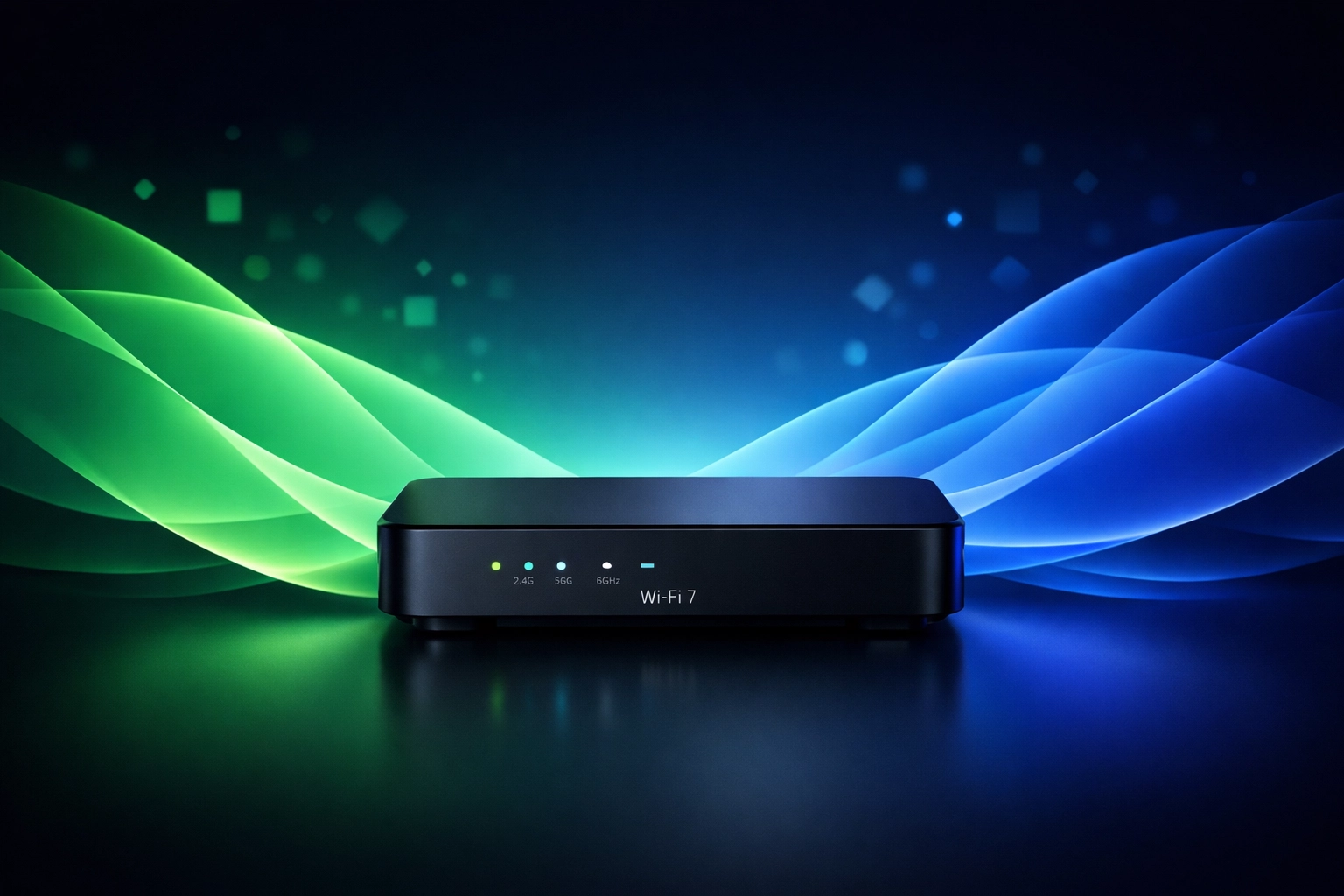
If you are still using a router from 2022, you are likely on Wi-Fi 6 or 6E. In 2026, Wi-Fi 7 is the baseline.
Wi-Fi 7 introduces Multi-Link Operation (MLO), which allows devices to send and receive data across different frequency bands simultaneously. AI tools require this low-latency environment to function in real-time. Without it, you’ll experience "hallucinations" in device response times.
3. The "Airtime" Traffic Jam
Think of your Wi-Fi as a motorway. In the past, you had a few cars (phones and laptops). Today, you have a fleet of lorries (AI cameras, smart appliances, sensors, and tablets).
Standard ISP routers struggle to manage "Airtime Fairness." When your smart fridge tries to update its inventory at the same time you are in a VR meeting, the network stutters. Professional mesh Wi-Fi systems solve this by intelligently steering traffic to the least congested bands.
4. Signal Interference from Smart Materials
Modern home renovations often use materials that are death to Wi-Fi signals. Foil-backed insulation, triple-glazed windows, and even certain types of smart LED glass can block 6GHz frequencies.
AI devices rely on a constant, stable heartbeat. If a device is in a "weak spot," its AI processing will fail or revert to a "dumb" mode. We focus on eliminating dead zones to ensure your AI works in every corner of the property, including the garage and garden.
5. Wireless Mesh vs. Wired Backhaul
Many homeowners buy "off-the-shelf" mesh systems and wonder why they still have issues. If your mesh nodes are communicating with each other wirelessly, they are using up the very bandwidth you want your devices to use.
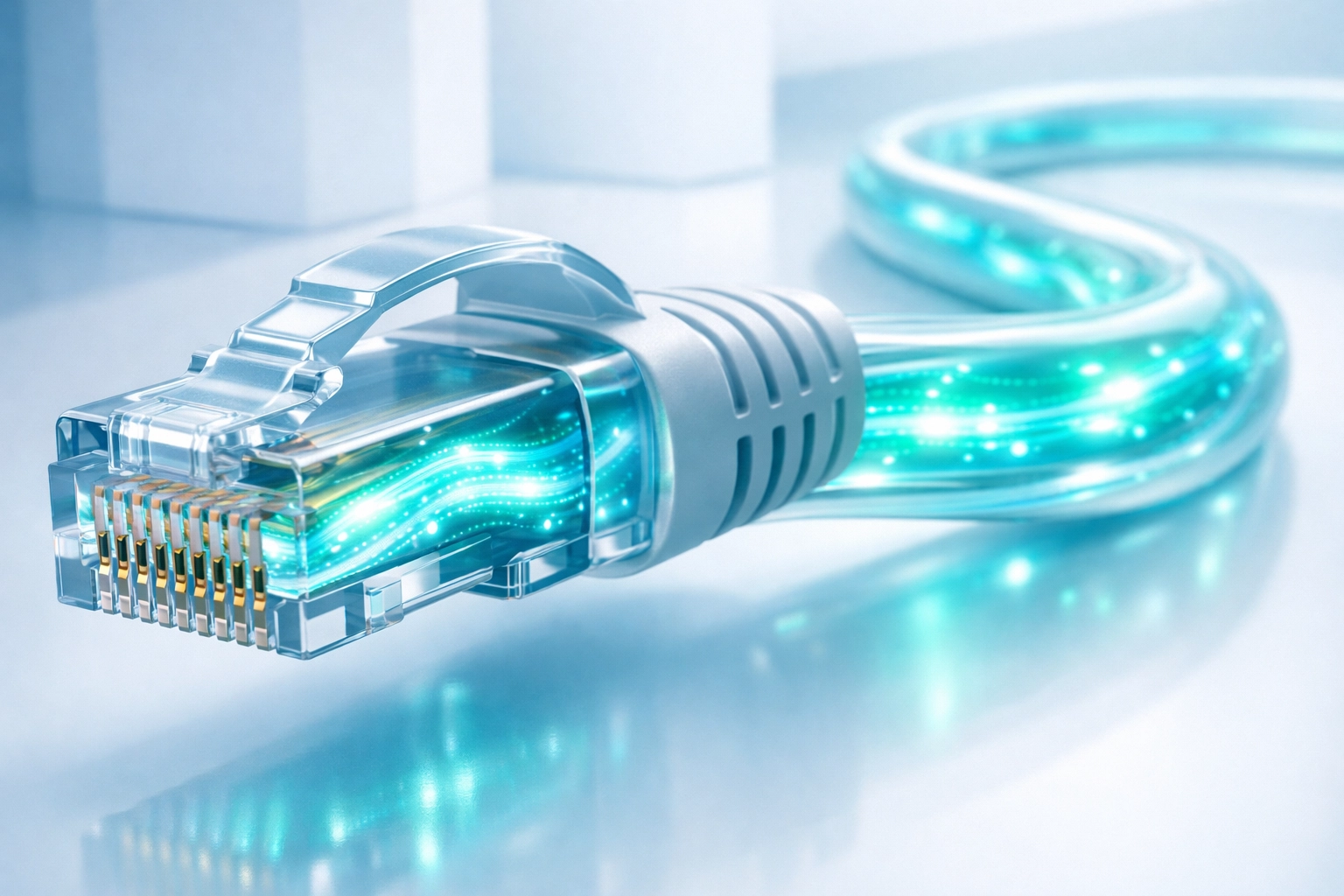
The gold standard in 2026 is Cat6 or Cat6a cabling. By "hardwiring" your mesh access points back to the main switch, you free up the entire wireless spectrum for your AI devices.
Wired connection: 10Gbps potential, zero interference.
Wireless mesh: Variable speed, high latency.
6. Matter and Thread Protocols
AI-ready homes in 2026 use the Matter protocol and Thread networking. These allow smart devices to talk to each other directly without always going through your router. However, if your network isn't configured to support these protocols via a dedicated border router, your devices will default to standard Wi-Fi, adding to the congestion mentioned in Point 3.
7. The Rise of Edge Computing
Privacy-conscious AI now processes data "at the edge": meaning inside your home rather than in a distant data centre. This requires a robust local area network (LAN).
If your internal network is built on old Cat5 cables or cheap switches, the data cannot move between your AI hub and your devices fast enough. We recommend upgrading to at least Cat6 cabling for any home using local AI processing.
8. Inadequate Network Segmentation
Most people put their AI cameras, their smart locks, and their personal laptops on the same Wi-Fi network. This is a security and performance nightmare.
High-end AI applications need their own "lane." We use professional-grade hardware to create VLANs (Virtual Local Area Networks). This ensures that a massive data upload from your security system doesn't cause your Netflix stream to buffer.

9. Power Over Ethernet (PoE) Demands
2026 AI cameras and sensors are more powerful than ever. They require more energy and more stable data connections than old-school Wi-Fi cameras can provide.
Relying on batteries or Wi-Fi for security AI is a risk. Professional installations use PoE (Power over Ethernet), where a single Cat6 cable provides both high-speed data and power. It is more reliable, more secure, and prevents "device dropout" when your Wi-Fi gets a bit shaky.
10. The DIY "Plug and Play" Myth
The biggest reason your Wi-Fi isn't keeping up is the belief that a single box from a retail store can handle a modern AI home.
AI integration requires professional planning. At North Star Telecoms, we perform site surveys to map out interference, calculate bandwidth loads for every room, and install enterprise-grade hardware that stays hidden but performs flawlessly.

Why North Star Telecoms?
We don't just sell routers; we build infrastructure. Our team understands that in 2026, connectivity is as essential as electricity.
Our Core Services:
Service | Purpose | Best For |
Cat6/6a Cabling | High-speed wired backbone | Home Offices & AI Hubs |
Mesh Wi-Fi Pro | Whole-home seamless roaming | Large Houses & Dead Zones |
Network Audit | Finding the hidden bottleneck | Existing slow setups |
Starlink Pro Install | High-speed AI in rural areas | Remote locations |
Real Problems, Real Solutions
"We had the top-tier fibre plan but our AI security system was always offline. North Star came in, ran two Cat6 lines to the external corners and installed a ceiling-mounted AP. Everything has worked perfectly since." : Sarah T., London
Is Your Home Ready?
If you are investing in the latest AI technology, don't let a £40 router from 2021 hold you back. You wouldn't put budget tyres on a supercar; don't put a budget network in a smart home.
Ready to eliminate the lag? Explore our plans and pricing or contact us today to book a professional survey.
Stay one step ahead. Build a network that thinks as fast as you do.
For more tips on optimizing your home tech, check out our latest blog posts.
Comments